Add an allowed IP
See the errors page for information about any related errors regarding allowed IPs and invalid API keys.
The MyOwnFreeHost API requires you to add the IP address of the server you are going to make API requests from.
Setup
Log in to the MyOwnFreeHost reseller panel
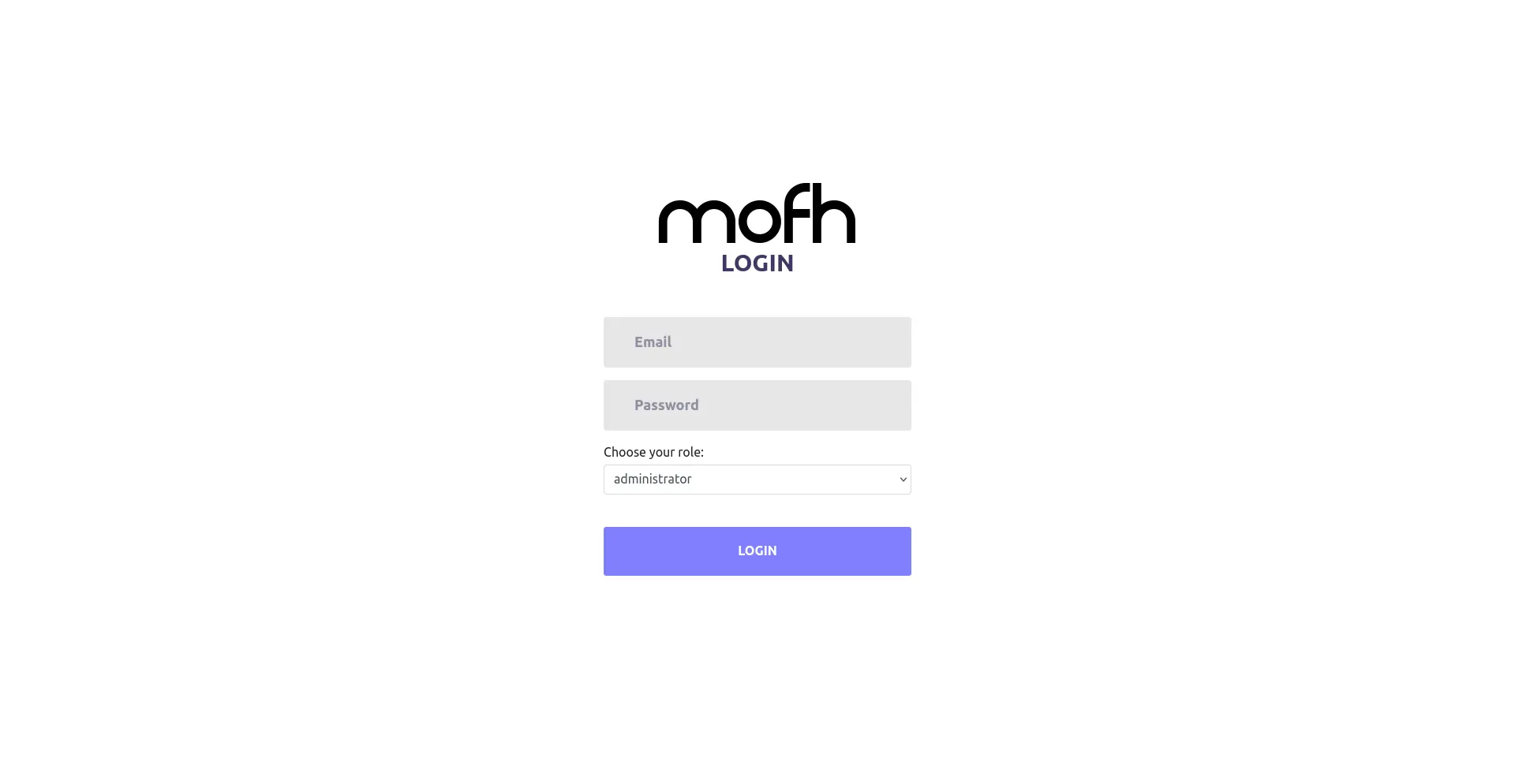
The reseller panel can be accessed at https://panel.myownfreehost.net/index.php . The page should look something like this:
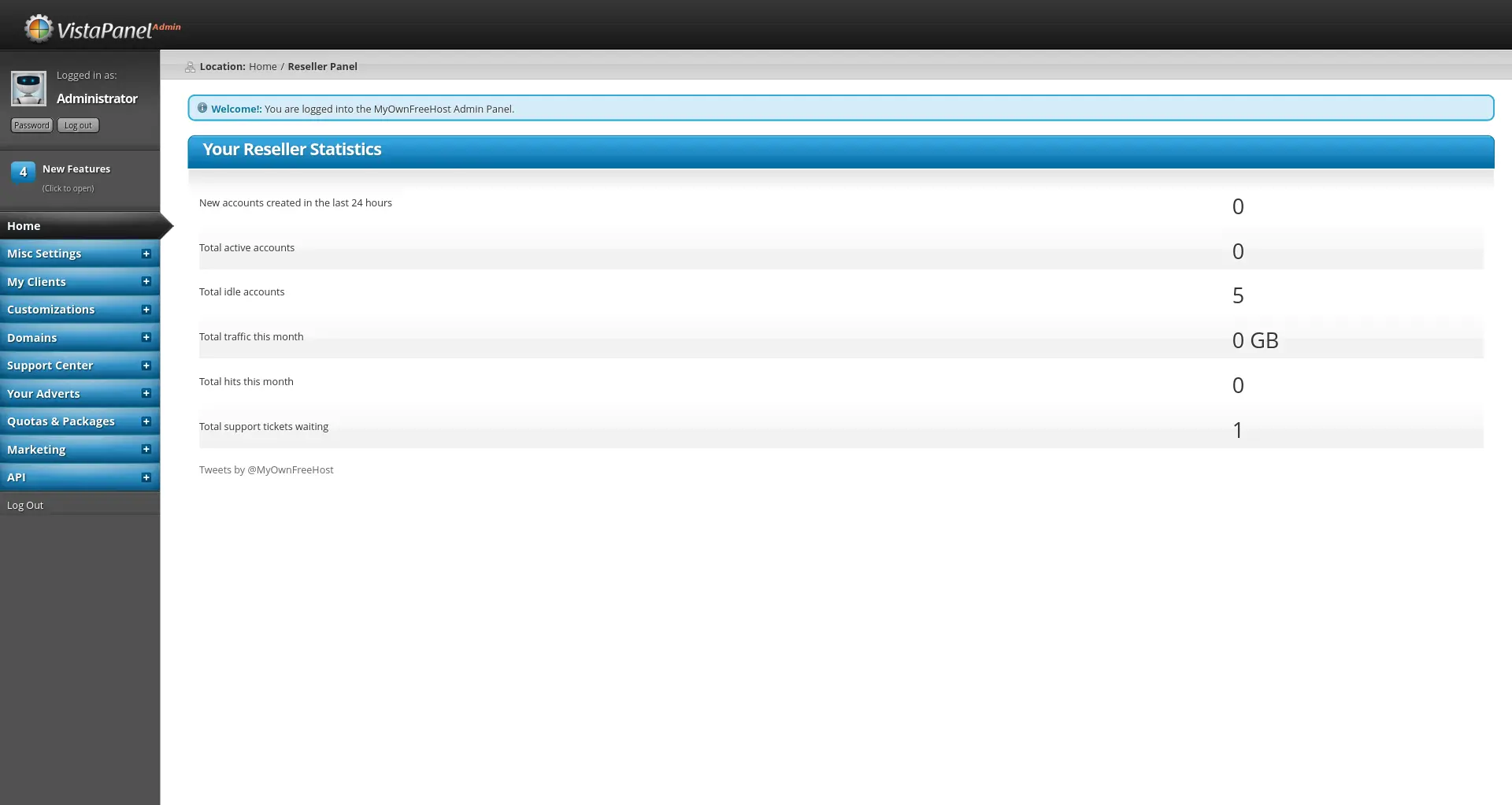
When you log in, the dashboard looks something like this:
Go to the API setup page
This can be done by clicking on the API link in the sidebar, and then clicking on Setup WHM API. Once you have done that, this is what the page should look like:
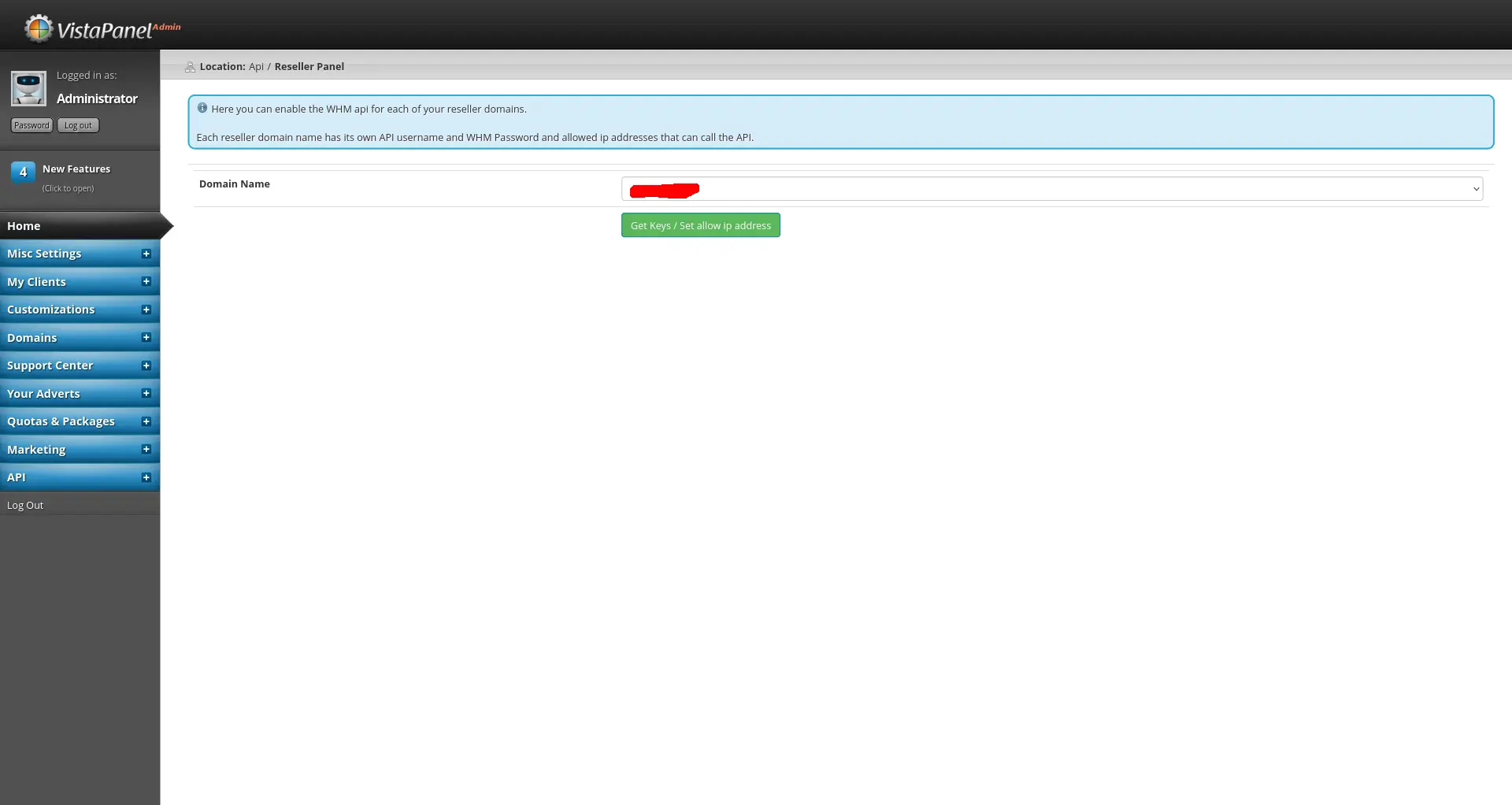
Then, select the domain name you want to use and click on Get Keys / Set allow ip address.
Add the IP address
Once you are there, add your IP address to the API Allowed IP Address (main IP of server you are connecting from) field. It should look something like this:
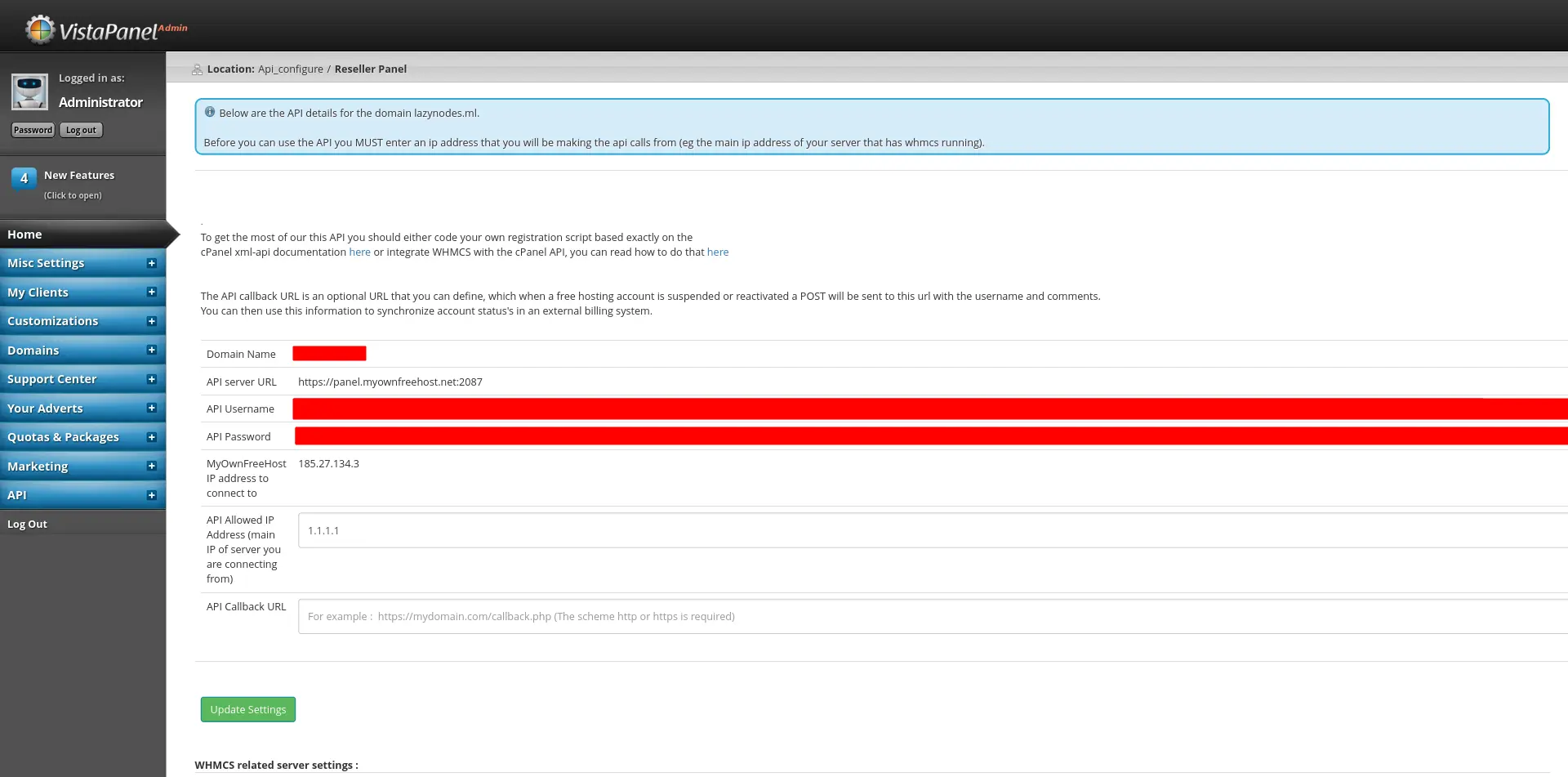
1.1.1.1 is used.Then, click on Update Settings and everything should be set up!