Add a callback URL
This step is optional, but is highly recommended.
The MyOwnFreeHost API allows you to set up a callback URL that will be called when a user account gets activated, suspended or unsuspended, or when an SQL cluster gets added to a user. The callback URL is also used for the ticket system.
Setup
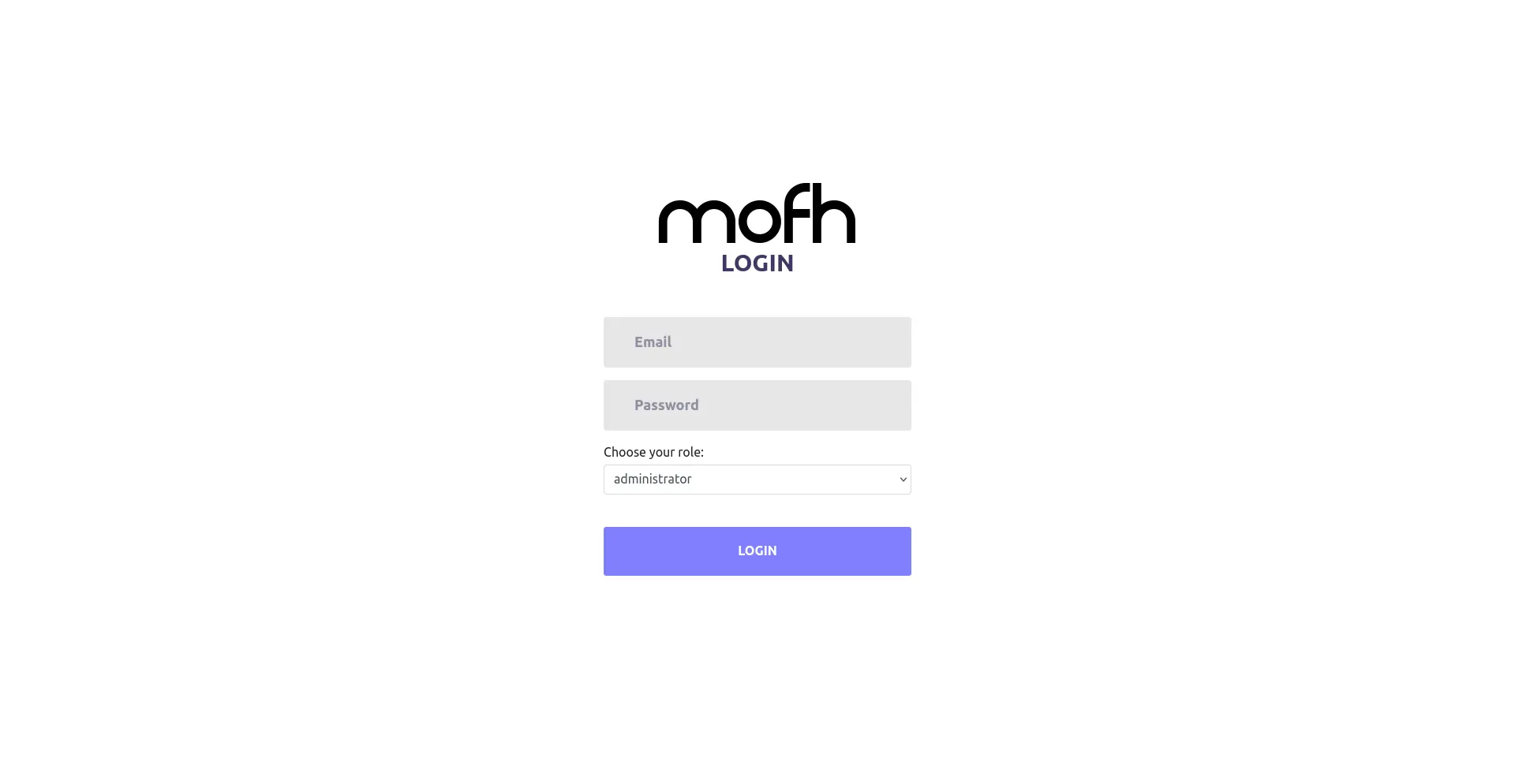
Log in to the MyOwnFreeHost reseller panel
This can be accessed at https://panel.myownfreehost.net/index.php . The page should look something like this:
When you log in, the dashboard looks something like this:
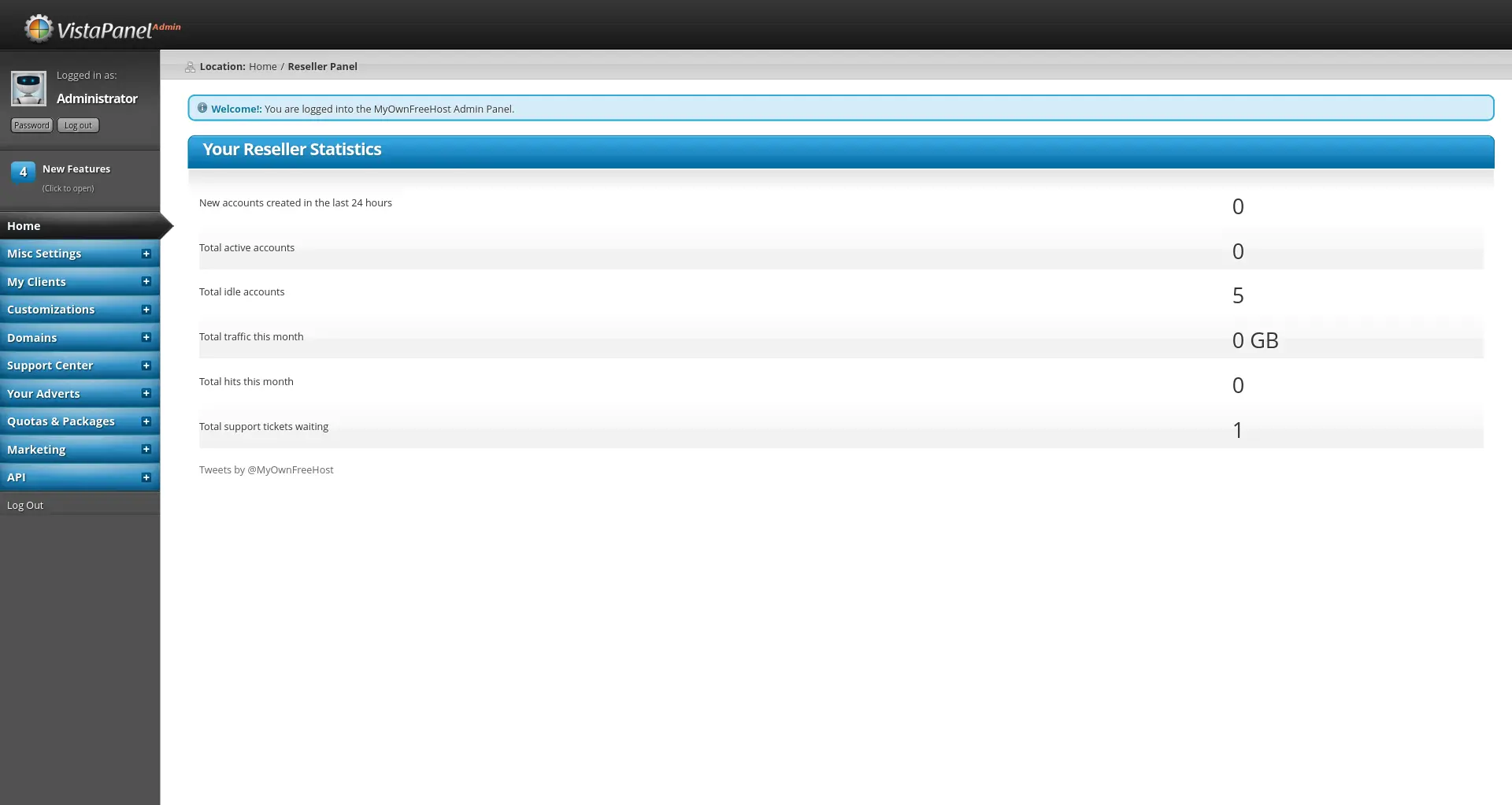
Go to the API setup page
This can be done by clicking on the API link in the sidebar, and then clicking on Setup WHM API. Once you have done that, this is what the page should look like:
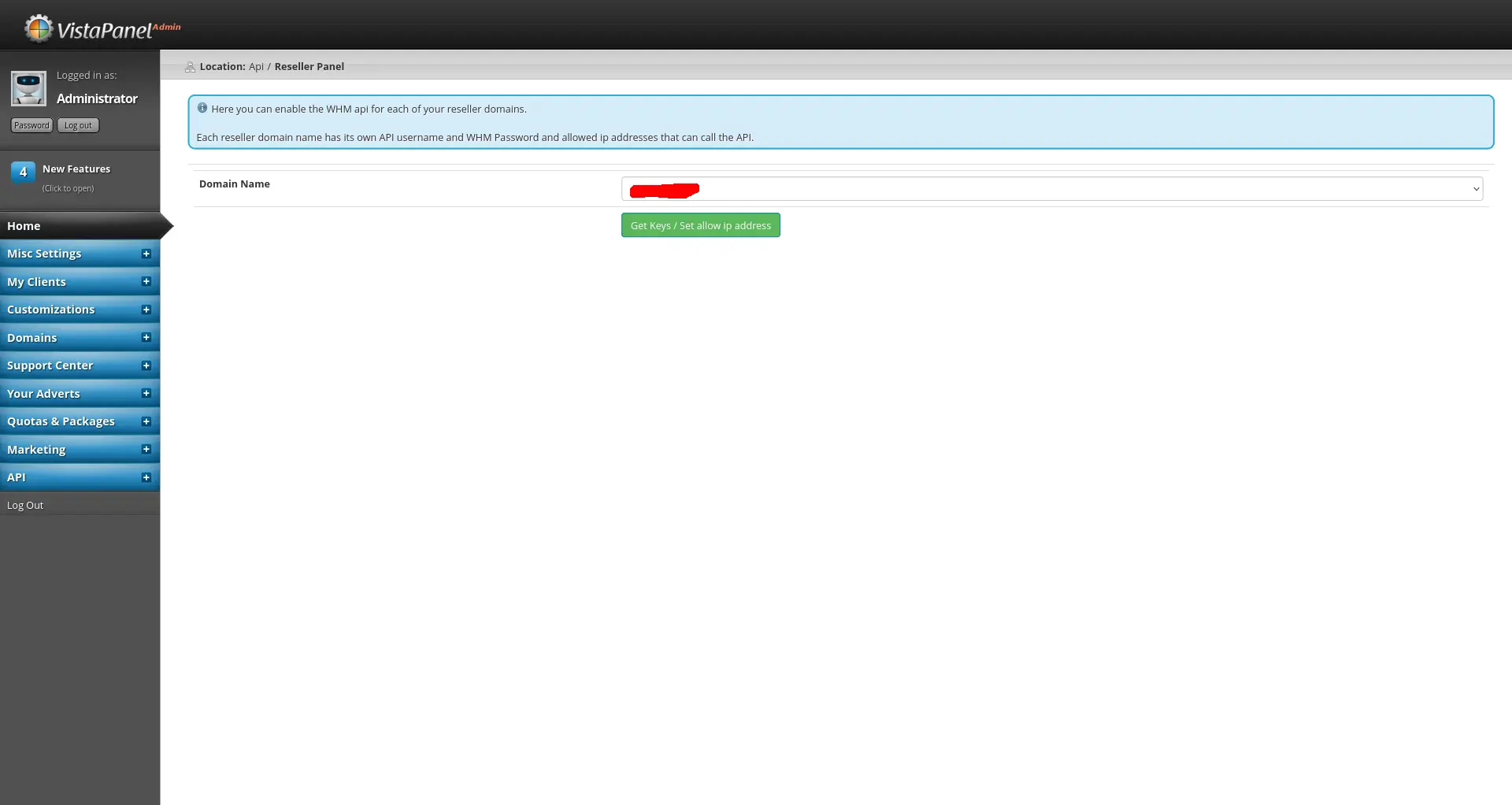
Then, select the domain name you want to use and click on Get Keys / Set allow ip address.
Add the callback URL
Once you are there, add your callback URL to the API Callback URL field. It should look something like this:
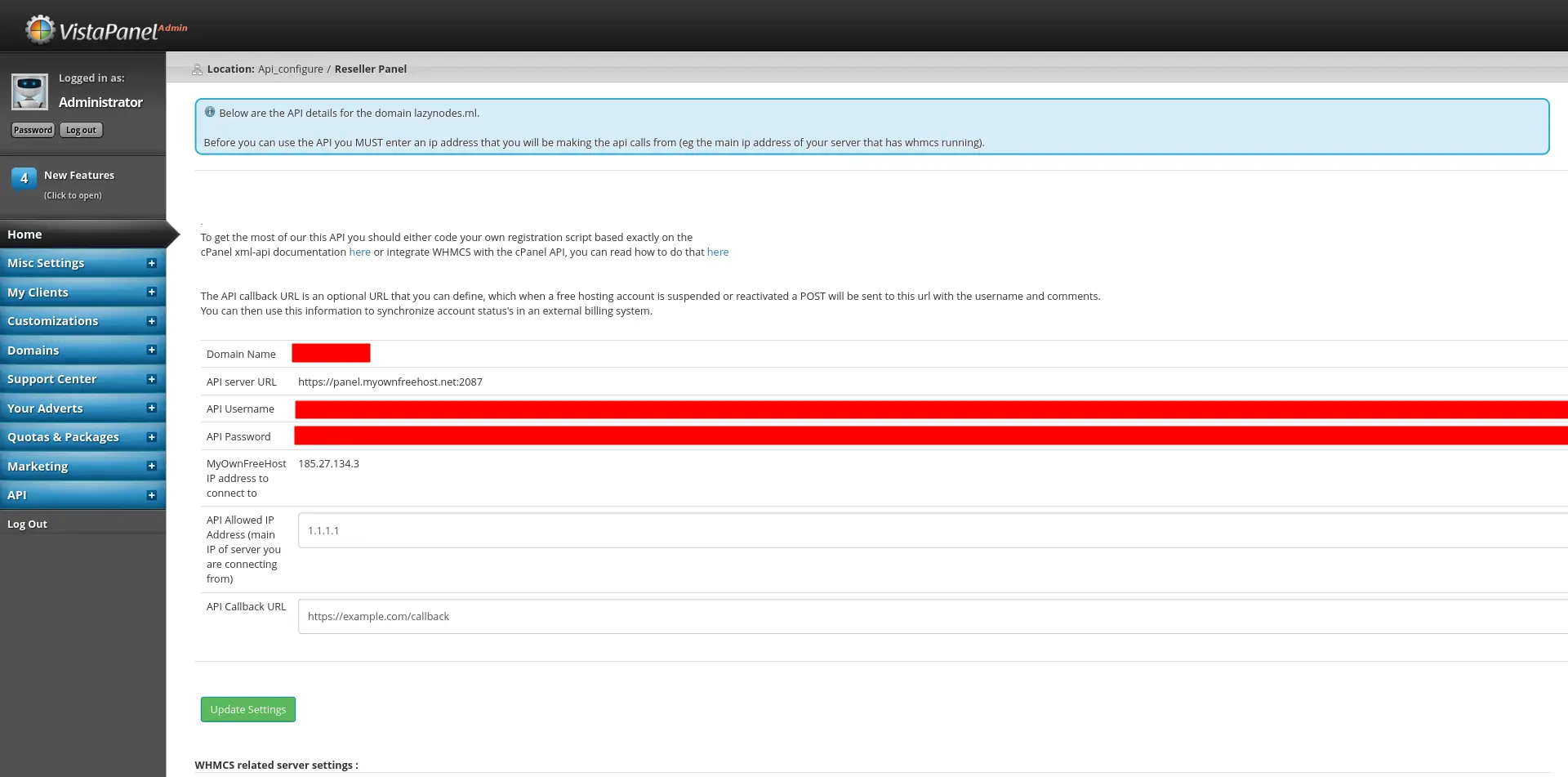
In this example, the URL https://example.com/callback is used.
Then, click on Update Settings and everything should be set up!